

我来教大家每天免费使用Google Veo 3。不用学生证,不用注册邮箱,也不用信用卡。用这个方法,能合法无限制使用Google Veo3,马上就能制作高质量视频。
很多人觉得这种工具都要付费,但我会一步步教你,让你不花一分钱就能自己做视频。不管你是内容创作者、还是对AI视频工具好奇,这教程都能让你随意创作。
第一步,打开Google opal,网址是:opal.withgoogle.com,当然,你也可以直接用Google搜索opal, 第一个结果是。到了Opal网站,点登录按钮,用谷歌账号登录,选账号、点继续,授予它要的所有权限,之后就会进入Opal仪表盘。
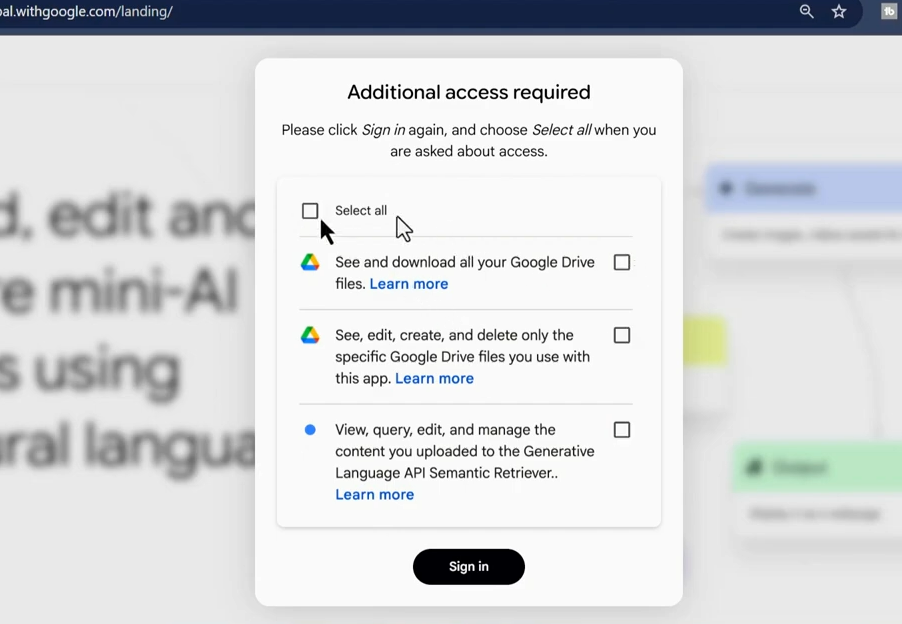
设置好访问权限后,就能用自然语言创建、编辑和分享AI应用。登录opal后,下一步是创建第一个项目。点“创建新项”,会到新页面开始建应用。
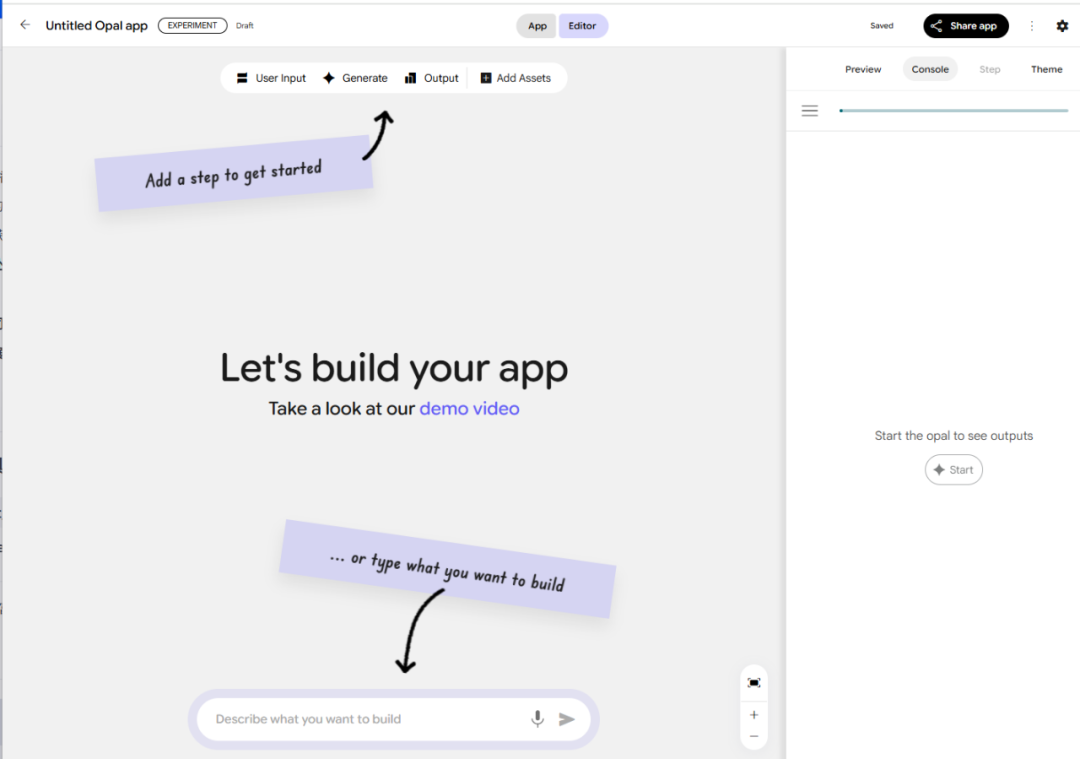
要在opal里建个自定义应用,用特定提示词生成视频。我准备了一个提示词,点进去复制提示词,粘贴到opal里“描述你想构建的内容”处。
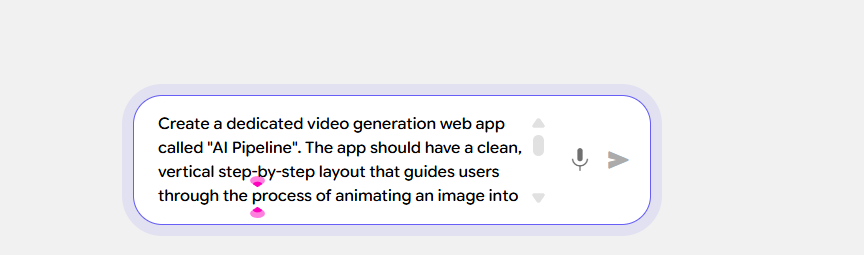
提示词里有能填名字的地方,改成你自己的名字,让应用更个性化。改好后点发送,opal就会自动创建自定义应用。
Create a dedicated video generation web app called "AI Pipeline". The app should have a clean, vertical step-by-step layout that guides users through the process of animating an image into a video.App Layout & Functionality:1. Step 1: Image UploadAt the top of the page, include a large, clearly visible file upload area.Label it exactly as: "Upload Your Starting Image (JPG or PNG)".The uploader should accept JPG and PNG file formats.2. Step 2: Animation InstructionsDirectly below the upload area, add a large multi-line text box for input.Label it: "Animation Instructions".Add placeholder text inside the box that says: "Describe how you want to animate the image. For example: 'Make the clouds drift slowly across the sky,' or 'Animate the ocean waves and add a gentle shimmer effect on the water.' "3. Step 3: Generate ButtonBelow the text box, add a large, prominent button labeled: "Animate Image".When clicked, this button should:Collect the uploaded image.Collect the text entered in the Animation Instructions box.Send both inputs to the Google Veo-3 model for video generation.4. Output SectionOnce the Veo-3 model generates the video, display it immediately in a video player located below the "Animate Image" button.Underneath the video player, add a button labeled "Download Video" that lets the user save the generated file.Design Guidelines:Keep the app’s layout simple, clean, and vertically stacked so users naturally move step by step from top to bottom.Use clear labels, large buttons, and intuitive spacing to make the process easy to follow.Ensure the app looks professional and minimalistic, focusing attention on the main functionality.
我的应用已经设置好了,能开始给提示词生成视频。有两个选择,一是上传图片,让opal给图片做动画;二是直接给提示词,让opal从头生成视频。
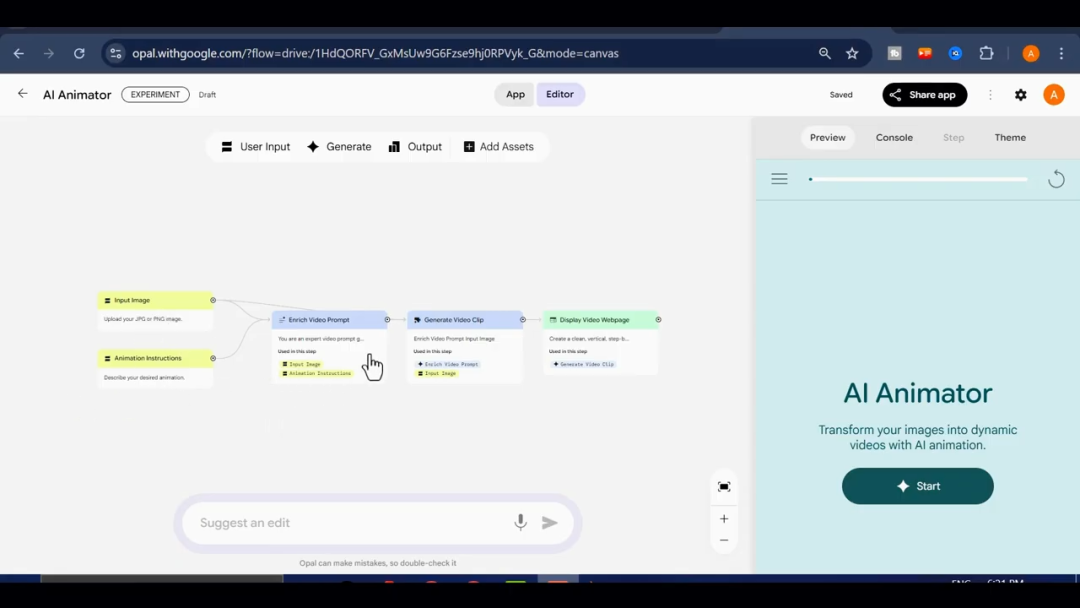
登录opal后,点“开始”,粘贴提示词,进入编辑器,这里有上传图片、动画指令等选项。
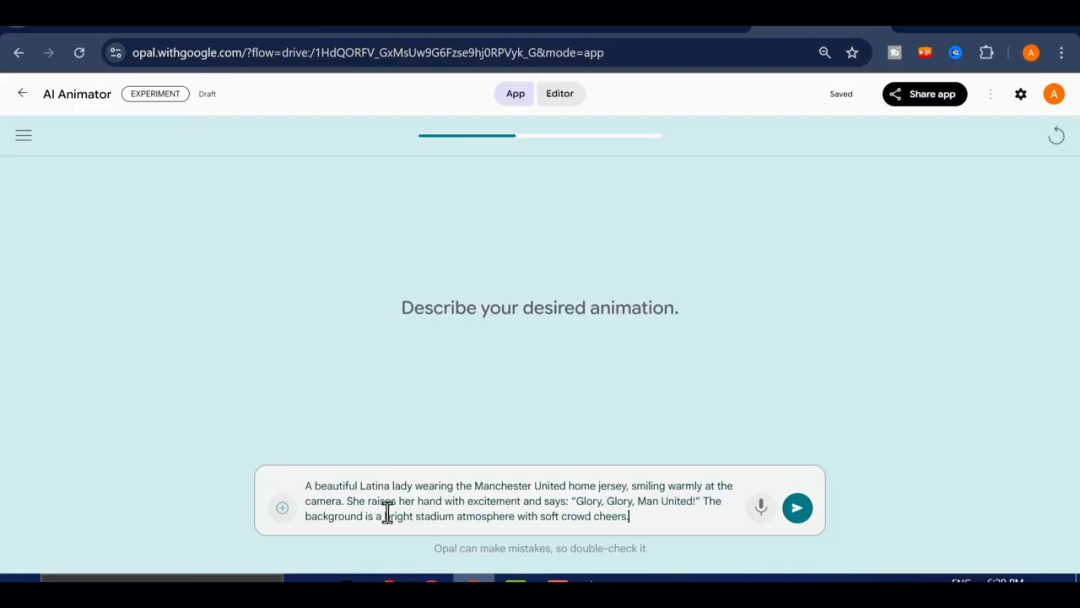
创建视频前,要是没提示词,去ChatGPT要一个。比如我给它详细描述,它就给了几个创意故事提示词。
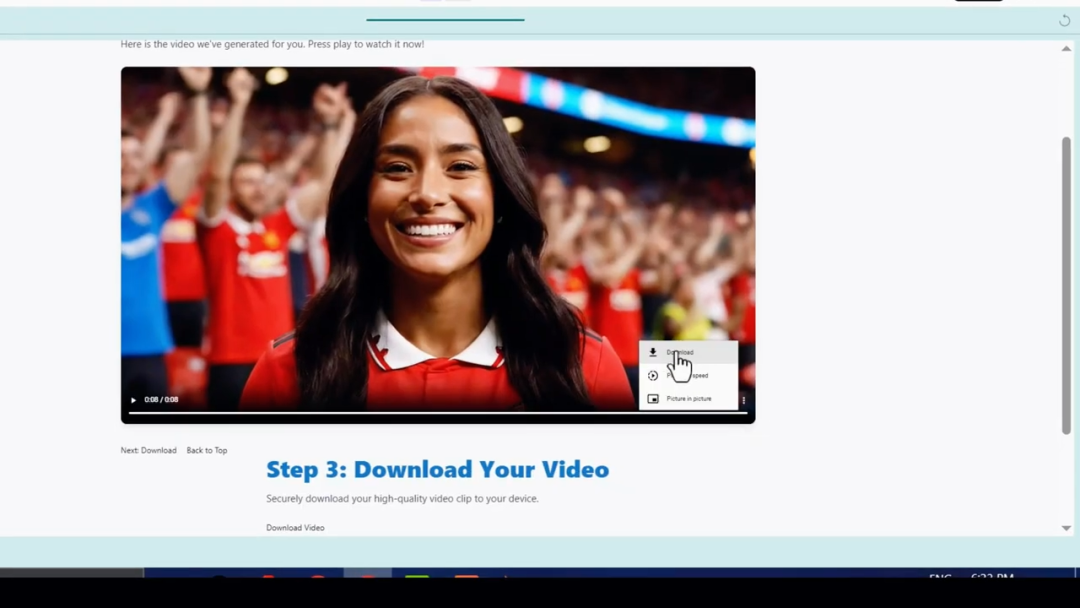
选一个喜欢的,复制到opal,点下一步图标,粘贴到“提供详细动画指令”框里,点提交,opal就开始生成视频,几秒到几分钟不等。生成后能预览、调音量、播放。对视频满意,点三线菜单图标直接下载到电脑,常规下载按钮有时会有问题。
试试图片转视频功能。点“开始”,上传图片,点下一步
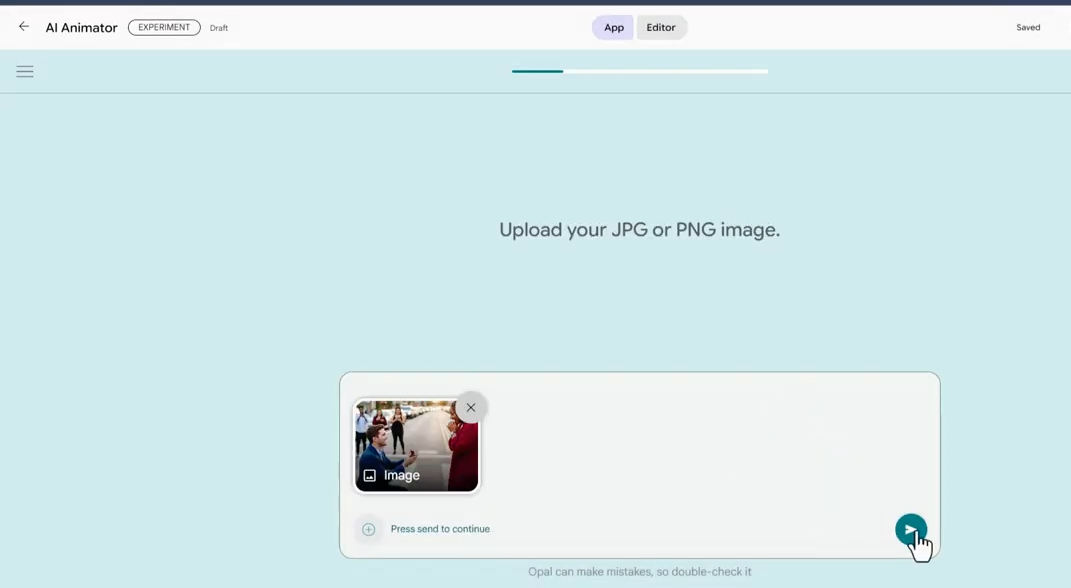
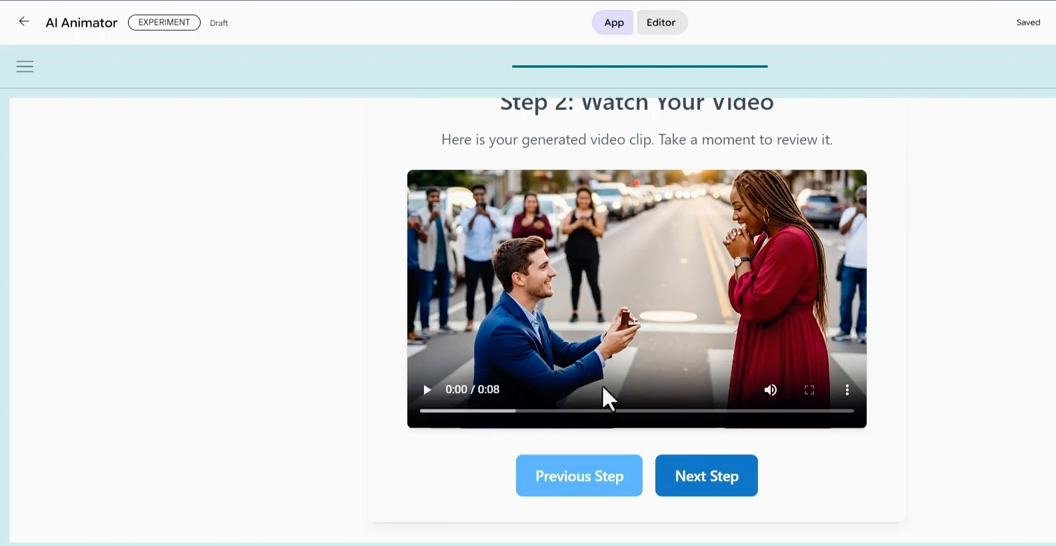
输入描述图片动画的提示词。比如我写男角色求婚,女角色答应,效果不错,就是没声音。必要时可以让Chat GPT优化提示词。
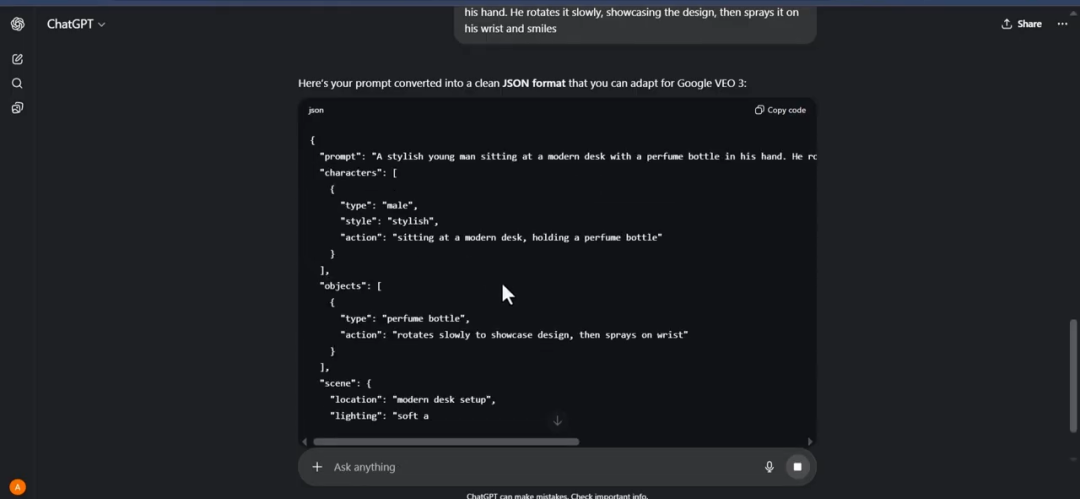
制作广告视频,用JSON提示词。把普通提示词给Chat GPT,让它转成JSON格式,复制到opal。也能在GPTs里搜JSON,用现成工具。我推荐第一种方法。
生成了视频如下,正常工作。
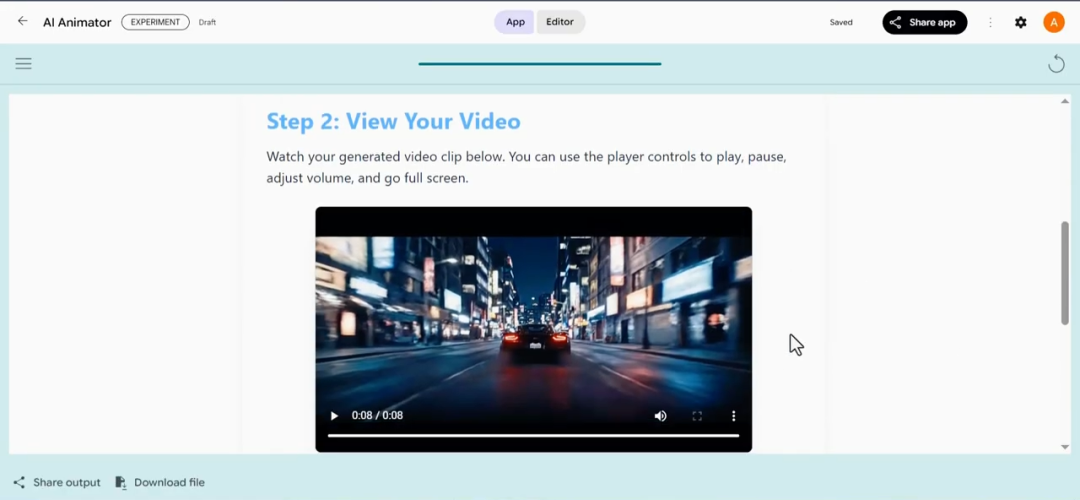
这个方法的核心就是利用Google的新App搭建平台opal, 自己创建了一个视频生成的工具,每天能免费做10个甚至更多视频。