

Google Veo 3.1 最新的更新很厉害。可以说是一个能保证角色连贯性的大变革。今天给你分享一组提示词,特别适合AI电影制作,能让你从第1个场景一直到第10个场景都保持连贯性。
Google Flow 加上这个超级提示词,可以成为创意人士打造的AI电影制作工具。有了这个工具,你就能一个场景接一个场景地扩展,最后做出一部完整的电影。就像下面例子这样的,开头是类似《复仇者联盟》风格的场景。往下滑,能看到10个完整的场景,而且能保持连贯性。

下面是详细的提示词:
- I need to create a full length cinematic movie by using prompts that create AI–generated videos. I‘ll use tools like Veo 3 and Kling. There’s a problem though. AI generated videos are only 5-8 seconds, therefor I will need many of these that I can edit together to create a full lenth, 5 minute movie. I also need consistency so my movie matches and flows together. For example, if it‘s a cinematic movie, set in a dystopian world with specific characters, it needs to maintain the same consistent style throughtout each of the 8 seconds videos I create. So I am going to provide you with my first prompt. Inspect it thoroughly. Learn the genre, characters, look and feel, style, mood, settings, cameras, movements, everything possible when it comes to Hollywood Blockbuster cinematic movies. Then based off my first prompt, please provide 10 other follow up prompts I can use to create the next scene, after scene after scene. But the most important thing is consistency, remember. For example, let’s say my first prompt is about a man and woman who just landed in an unknown dystopican world. They‘re confused and lost and walk around in awe. The next nine prompts need to follow the flow and style. So for example, maybe the next prompt would be: “the two of them find a restaurant, enter it, sit down and look at the menu”. Then the 3rd prompt could be. After eating, they then get up, walk down the street and get in a taxi. And on and one until the last prompt or last scene. Each scene is diferrent, however the main characters are the same (other characters can be introduced as well), the style and genre are the same and the overall look and feel of the movie is consistent. Do you understand? Your first question is to ask me for my first prompt.
我们演示一下如何通过一个初始场景,延展到10个角色和场景一致而且符合逻辑的连续画面。打开Chat GPT,开个新聊天,复制上面的提示词,粘贴进去然后提交。
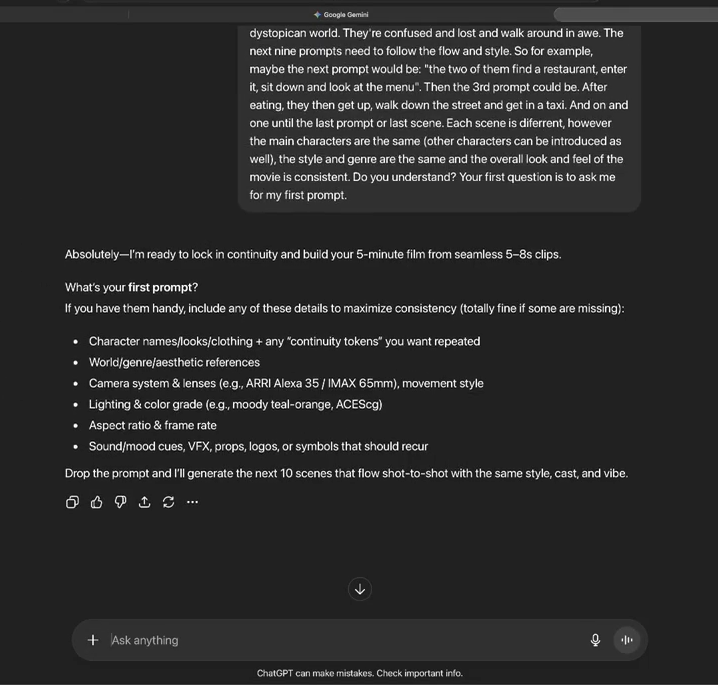
它会询问:你的第一个场景提示词是什么?举个例子,我们有个基本的想法和画面:一个女人在夏威夷冲浪,一头虎鲸在她旁边游动。
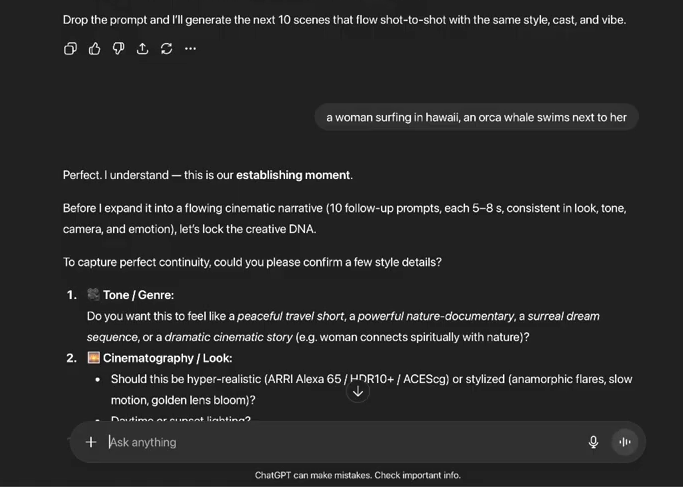
接着ChatGPT会问我们几个问题来确定细节。我们来回答关于你想要的画面效果的问题。我们回答:“电影场景,超现实主义,白天,虎鲸令人望而生畏”,点击发送,接着就会得接下来10个场景提示词,风格、演员和氛围都一样。
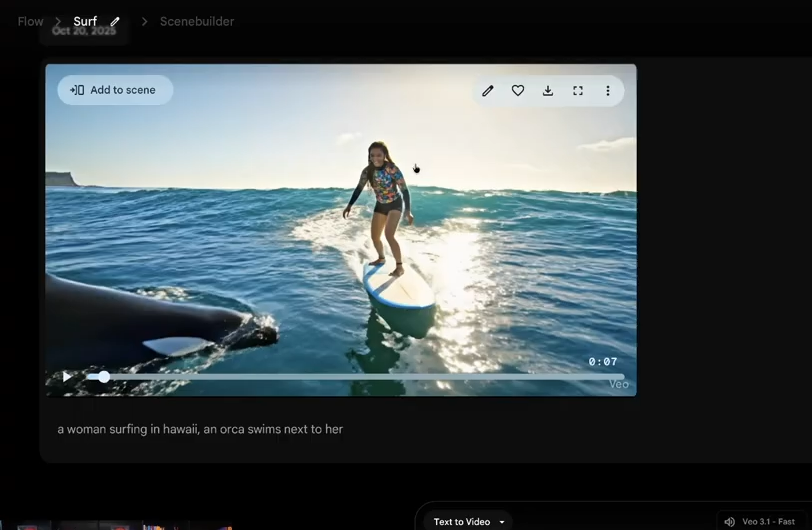
然后,我们打开Google Flow,首先输入我们的初始画面的提示词:一个女人在夏威夷冲浪,一头虎鲸在她旁边游动,稍等片刻就完成了。
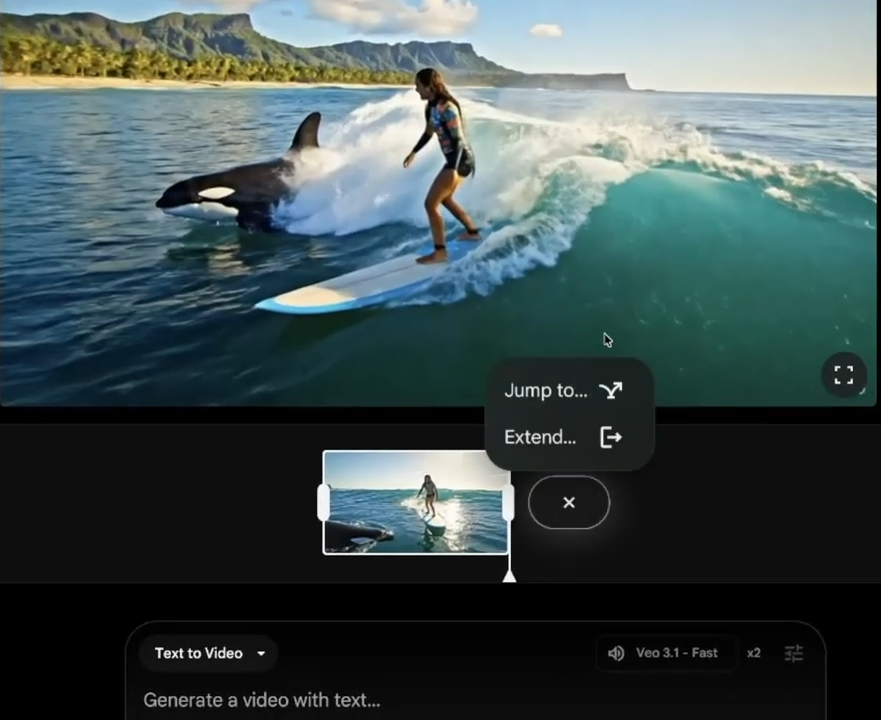
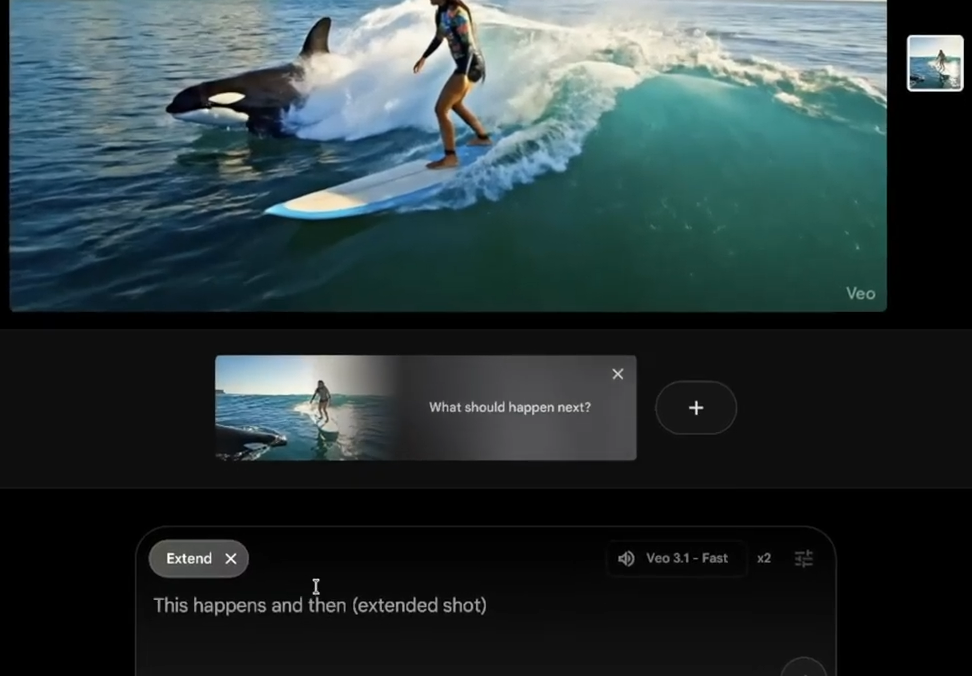
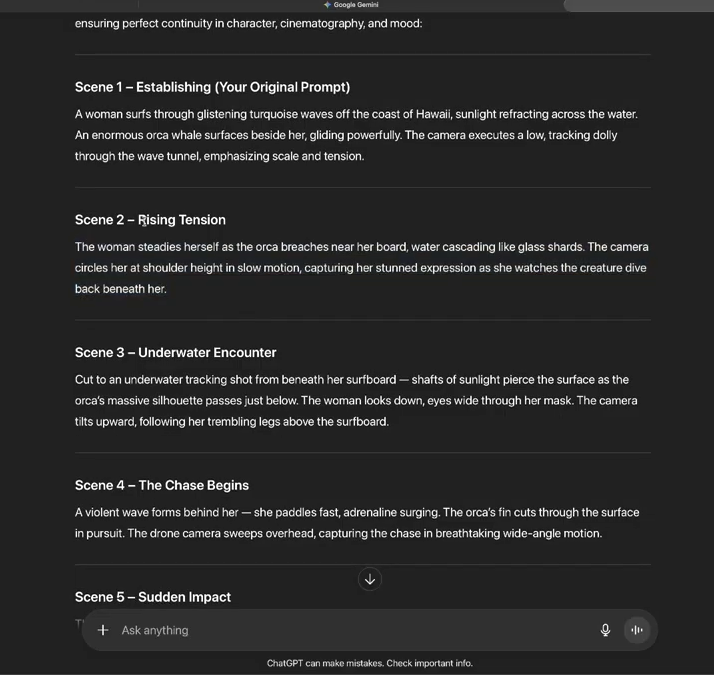
我们回到 ChatGPT的回答,看看第二个场景,是紧张感升级的。女人在虎鲸靠近她冲浪板时稳住自己。我们复制这个提示词过去放到Flow里生成作为扩展场景。
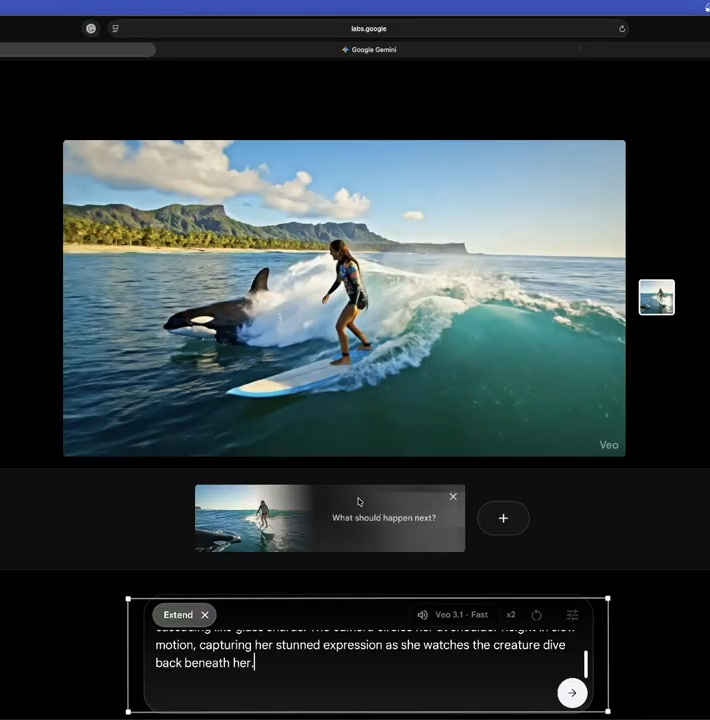
之后再生成第三个场景。就这么一直做下去。第三个场景是水下跟踪镜头,第四个场景追逐开始,有汹涌的海浪。同样的流程一直重复。第二个场景生成后,再点击加号按钮生成第三个场景。你不一定要用全部10个场景,可以跳过,比如从第三个直接跳到第五个。
看一下最终的视频效果,场景和人物一致性非常好,而且转换非常连贯自然(画质已压缩)。
通过以上方法和提示词,仅仅只需要输入你的最初想法,就可以生成连贯的具有电影质感的画面,而且场景和人物的一致性保持得很好。
Google Veo 3.1 更新之后,我们不再需要在每个提示词重复强调人物和环境特征,而且经常不一致了。这对于创作者来说,制作视频更加的可控和简单。普通人也可以“拍好莱坞级的电影了”。
想要展示你的才华,门不出户获得体面的收入?试试Google Veo3,试试油管吧!